Guide · 9 min read
Virtual Staging MLS Rules & Disclosure Guide
Virtual staging is legal and MLS-allowed — if you disclose it properly. What the rules actually require, portal by portal.
· By the StageHQ team
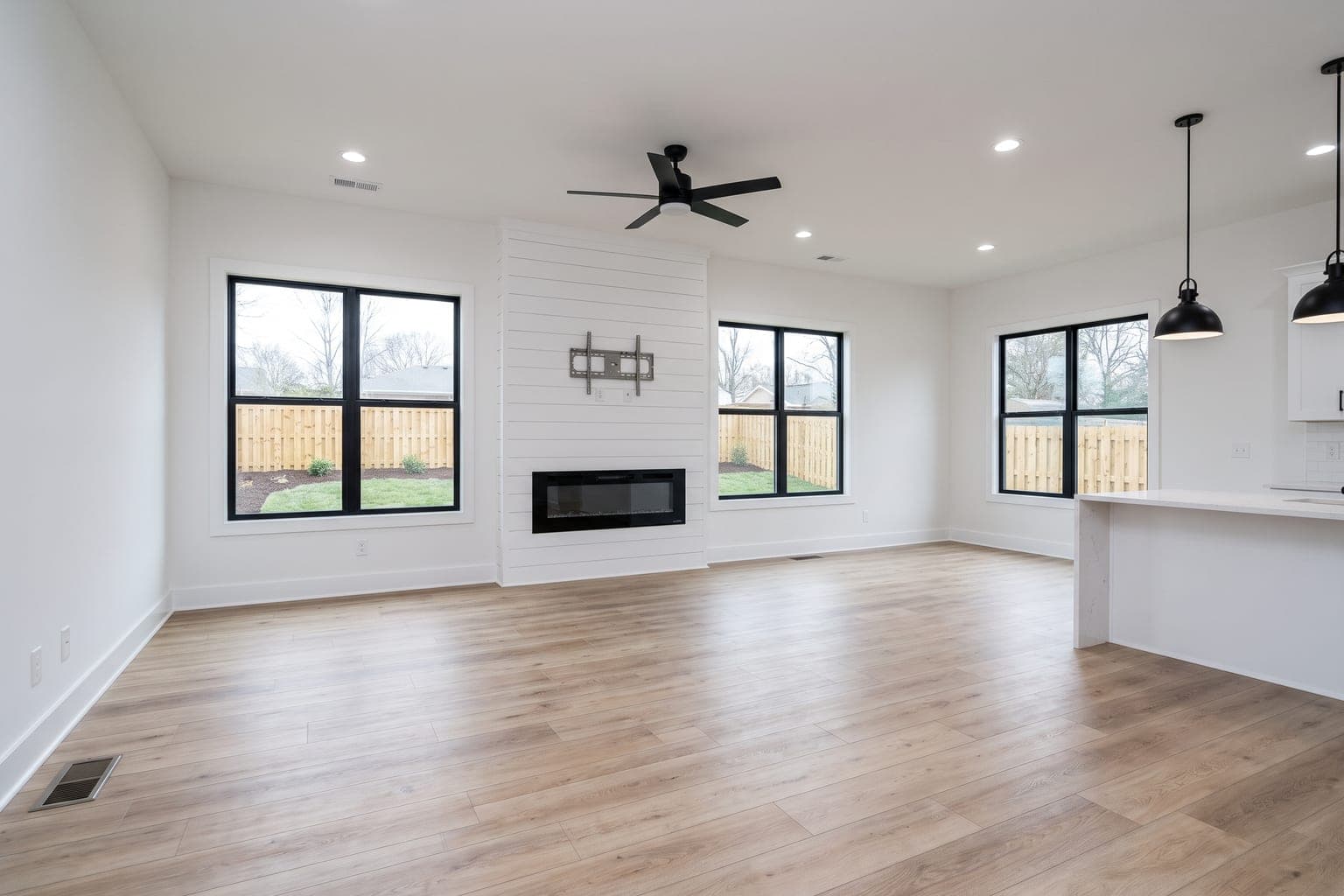 Before
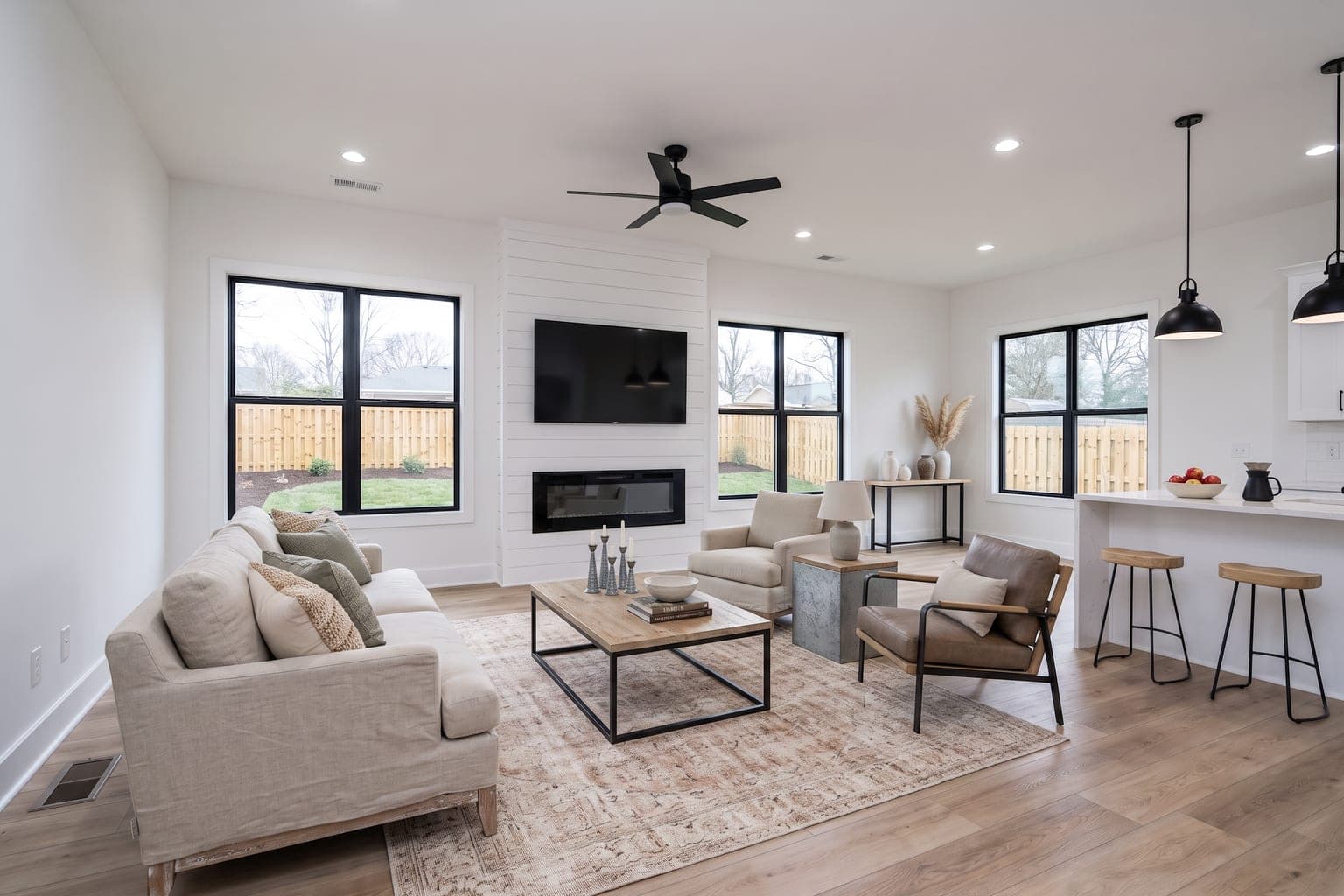 After
AfterThe short answer: yes, virtual staging is allowed on virtually every MLS in the United States — provided it's disclosed and doesn't misrepresent the property. The longer answer involves NAR's ethics framework, individual MLS rules, portal policies, and, as of 2026, state law: California's AB 723 turned disclosure from a best practice into a statutory requirement. This guide covers what compliant virtual staging looks like now. (This is practical guidance, not legal advice — always check your local MLS rules and, in California, the current text of the statute.)
The governing principle: don't misrepresent
Article 12 of the NAR Code of Ethics requires REALTORS® to present a "true picture" in advertising and marketing. Applied to listing photos, the consensus interpretation is: adding virtual furniture to show how a space can be used is acceptable with disclosure; altering the property itself — hiding defects, changing finishes without labeling, adding a deck that doesn't exist — is misrepresentation.
New for 2026: California's AB 723
Until recently, disclosure was an ethics and MLS-rules question. In California it is now statute. Assembly Bill 723 took effect on 1 January 2026, adding Section 10140.8 to the Business and Professions Code, and it applies to brokers, salespeople, and anyone acting on their behalf — including photographers and marketing staff. Virtual staging is named explicitly as a digitally altered image.
- Label the image: a reasonably conspicuous statement that the image has been altered, placed on or adjacent to the photo itself.
- Link the original: the disclosure must include a link, URL, or QR code pointing to a publicly accessible page that shows and clearly identifies the unaltered image.
- On your own site, show the original: where you control the website, the unaltered version has to appear in the posting, or be linked from it.
- The definition is broad: adding or removing furniture, fixtures, appliances, flooring, walls, paint colour, hardscape, landscape, facade, floor plans, and even elements visible from the property such as utility poles or views through windows.
- Routine edits are not covered: cropping, exposure, and white balance are fine as long as they don't change how the property reads.
Enforcement runs through the Department of Real Estate, and because the requirement sits in the Business and Professions Code, a willful violation carries criminal exposure on top of licence discipline. In practice most California MLSs — CRMLS, SDMLS, and Bay East among them — have implemented this by requiring the original photo to be uploaded immediately before or after the altered one. Washington and several Canadian boards have adopted comparable rules, and more states are expected to follow, so it is worth building the habit even outside California.
What the rules typically require
- Disclose: label virtually staged images, e.g. "Virtually staged" in the photo caption or as an overlay badge. Many MLSs require the disclosure on each altered image, not just in the listing remarks.
- Don't alter permanent features: walls, floors, fixtures, windows, and views must remain accurate. (This is exactly what StageHQ's Precise Staging mode preserves.)
- Don't conceal defects: removing a stain, crack, or damage from a photo can constitute misrepresentation even where staging is otherwise allowed.
- Renovation concepts need stronger labels: AI renovation images (new cabinets, finishes) should be labeled as concept renderings — they show potential, not current condition.
- Keep originals available: several MLSs require or recommend providing the unedited photo alongside or on request.
Portal policies at a glance
| Platform | Virtual staging allowed? | Disclosure expectation |
|---|---|---|
| Local MLSs (typical) | Yes | Label staged images; no altered permanent features |
| Zillow / Trulia | Yes | Disclose virtually staged photos in the listing |
| Realtor.com | Yes | Follows the source MLS's disclosure rules |
| Redfin | Yes | MLS-sourced; same disclosure as the originating MLS |
Summarized from published portal guidelines as of mid-2026 — check current policy pages before publishing.
Compliant workflow in practice
- Stage with a mode that preserves architecture (StageHQ Precise Staging keeps walls, floors, and fixtures untouched).
- Caption every staged photo "virtually staged" when uploading to the MLS.
- Upload the original empty photo adjacent to the staged version — required in California and by a growing number of boards, and buyers respond well to honest before/afters anyway.
- If you advertise in California, host the unaltered photo somewhere public and put the link, URL, or QR code with the image so AB 723's access requirement is satisfied.
- Label renovation visualizations separately and explicitly: "concept rendering — not current condition."
- Keep your originals organized; if a buyer or board asks, you can produce them instantly.
- Export in the format your MLS expects: most systems want JPG at roughly 1024×768 or larger. StageHQ's "Download for MLS" option produces a JPG sized to fit 1536×1024 in one click — no manual resizing or converting.
Why compliance is a selling tool, not a burden
Disclosed virtual staging doesn't depress buyer interest — it demonstrates marketing competence. Buyers understand staged photos the way they understand model homes. What destroys deals (and triggers ethics complaints) is discovering at the showing that the photos hid something. Disclosure converts staging from a risk into a trust signal.
Stage compliantly in 30 seconds
StageHQ's Precise Staging mode preserves every permanent feature of the room — purpose-built for MLS-compliant listing photos. Try it free.