Precise Staging · Architecture Never Altered
MLS Virtual Staging That Holds Up to Review
MLS virtual staging is allowed on virtually every US board — as long as you disclose it and don't change the property itself. StageHQ is built for exactly that: furniture and decor added, walls, floors, and fixtures untouched, exported in the format your MLS expects.
No credit card required · Results in 30 seconds
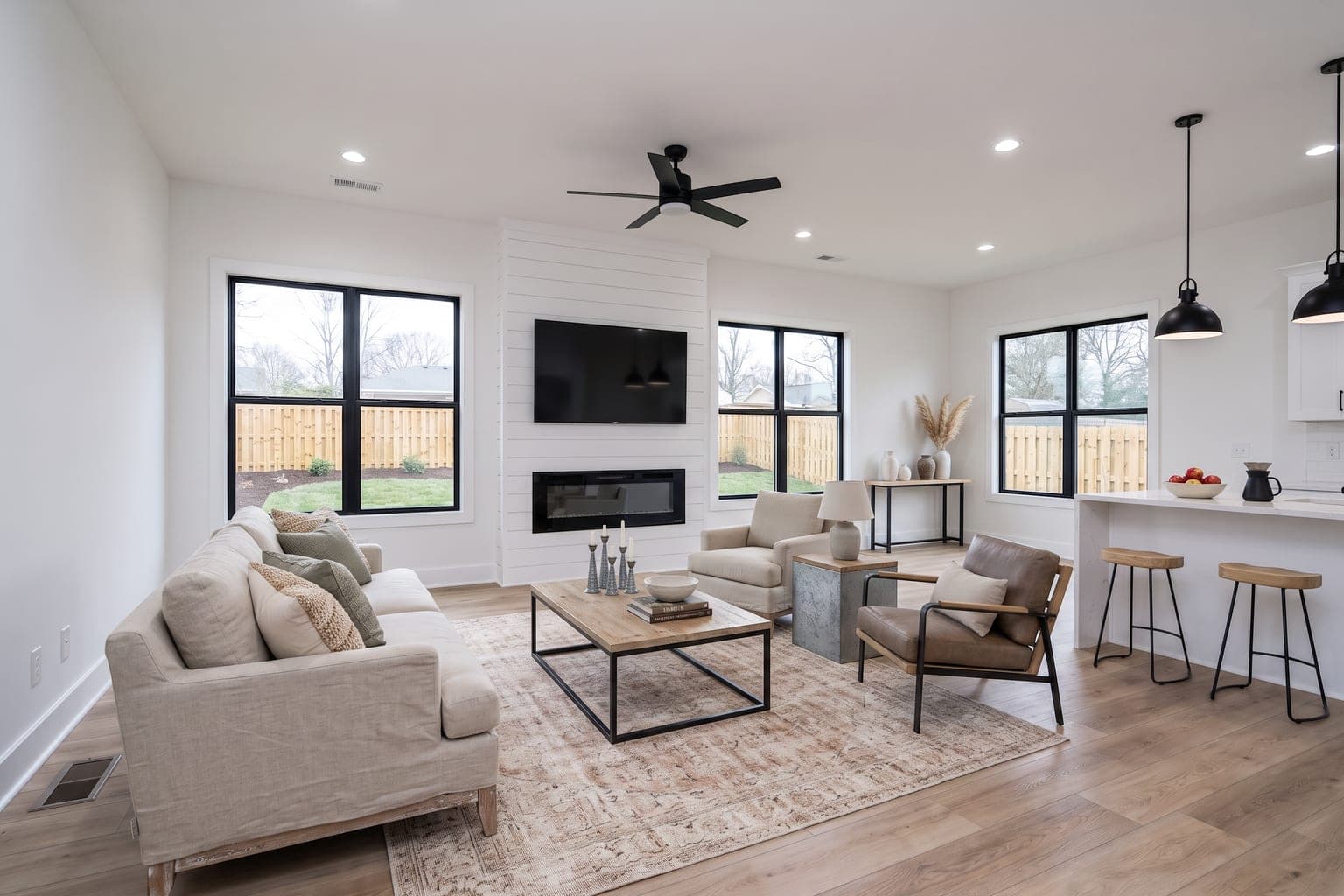 BeforeAfter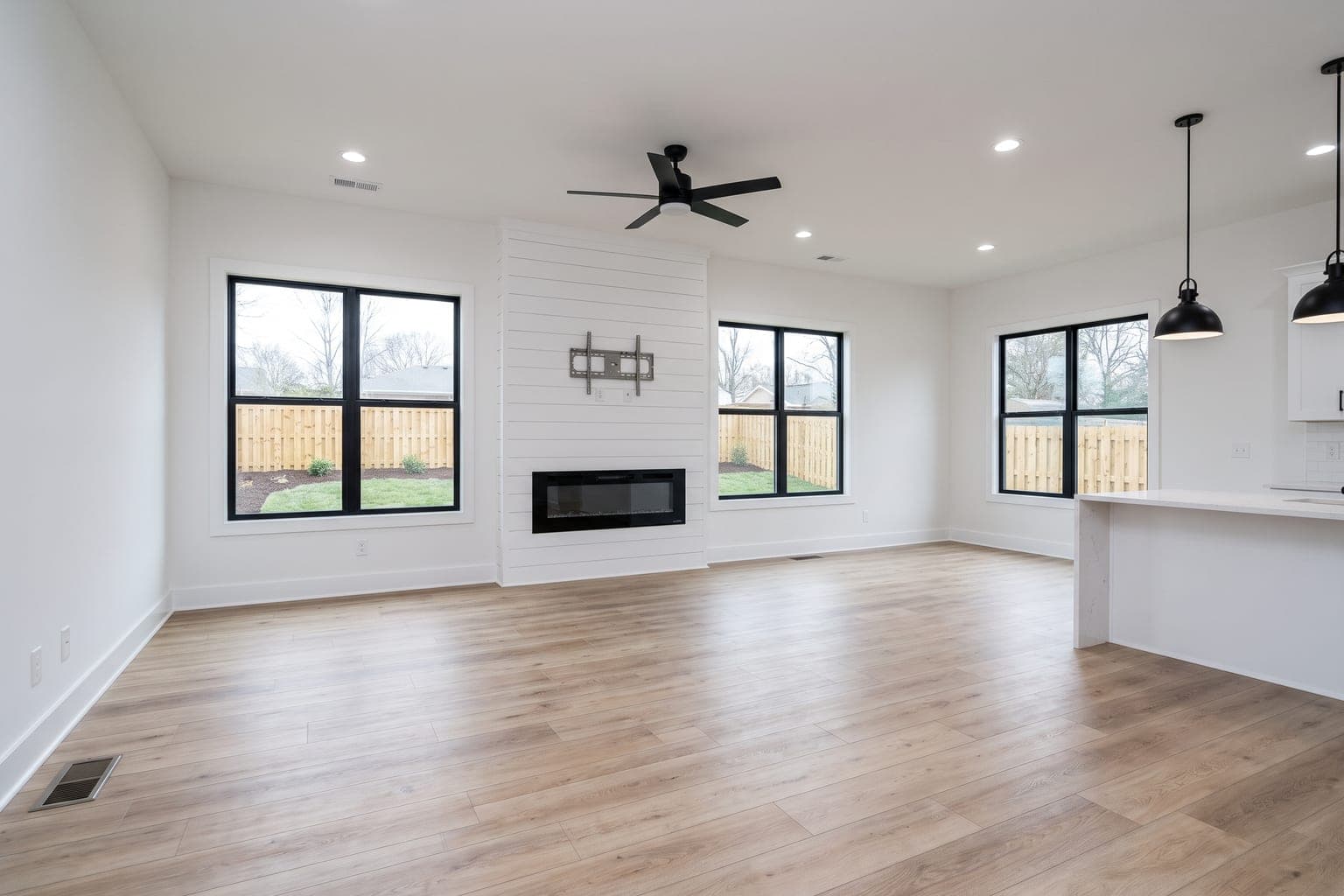
Drag the slider to compare before and after
- One-Click MLS Export
- 1536×1024
- Architecture Preserved
- 100%
- Per Listing Photo
- 30 sec
- Per Image
- $0.28
What Makes Virtual Staging MLS-Compliant?
How it works
The MLS Virtual Staging Workflow
Upload Your Listing Photo
Add the vacant room photo straight from your shoot — or queue an entire listing at once with batch upload.
Choose Precise Staging
Select Precise Staging and a furniture style. This mode adds furnishings only and leaves every permanent feature of the room intact.
Review Against the Original
Compare the staged result to your original side by side and confirm nothing about the property itself has changed before you publish.
Download for MLS & Disclose
Export the one-click MLS-ready JPG, then caption the image "virtually staged" when you upload it to your MLS.
Built Around the Rules Your MLS Actually Enforces
Permanent Features Stay Untouched
Precise Staging adds furniture and decor only. Walls, flooring, countertops, cabinetry, windows, and views come through exactly as photographed — the single requirement almost every MLS shares.
Nothing Gets Concealed
The AI places furniture into the room rather than repainting it, so stains, cracks, and wear aren't quietly edited away. Concealing a defect is misrepresentation even where staging itself is permitted.
Renovation Kept Separate
AI Renovation lives in its own mode, clearly distinct from Precise Staging. Use it to show potential, label those images as concept renderings, and keep your MLS photo set accurate to current condition.
Your Originals Stay Available
Every upload keeps its original photo in your library alongside the staged version, so you can post the unedited image next to the staged one or produce it instantly if your board asks.
Disclosure-Ready Output
Staged images download with clean, descriptive filenames that make captioning each photo "virtually staged" straightforward — including when a whole listing is uploaded at once.
Commercial License Included
Every purchased credit includes a commercial license covering MLS listings, syndication to Zillow and Realtor.com, print brochures, and social campaigns.
One-Click MLS-Ready Exports
JPG, Not PNG
MLS systems widely require JPG. Download for MLS converts the result to a proper JPEG with a .jpg extension, so it appears in the upload dialog every time.
Sized to 1536×1024
Results are resized to fit the dimensions MLS platforms commonly recommend for listing photos — no manual cropping, resizing, or third-party converter.
Predictable Filenames
Files arrive named by room, style, and image — not as a random storage token — so a full listing's photos stay organized and orderable on your desktop.
Full-Resolution Alternates
Need the large file for a portal, brochure, or website hero? Download the original resolution or a full-size JPG from the same menu, plus 4K upscales when you need them.
For Agents Who Stage Every Listing
Listing Agents & Realtors
Stage a vacant listing between showings and upload the same afternoon, with photos you can defend if a buyer or board ever asks how they were made.
Brokerages & Teams
Standardize on one compliant workflow across the roster so every agent's listing photos meet the same bar — no per-seat licensing to administer.
Real Estate Photographers
Deliver staged images your agent clients can upload to the MLS as-is, with the disclosure-friendly output and licensing already handled.
Before & after
Compliant Staging, Before & After
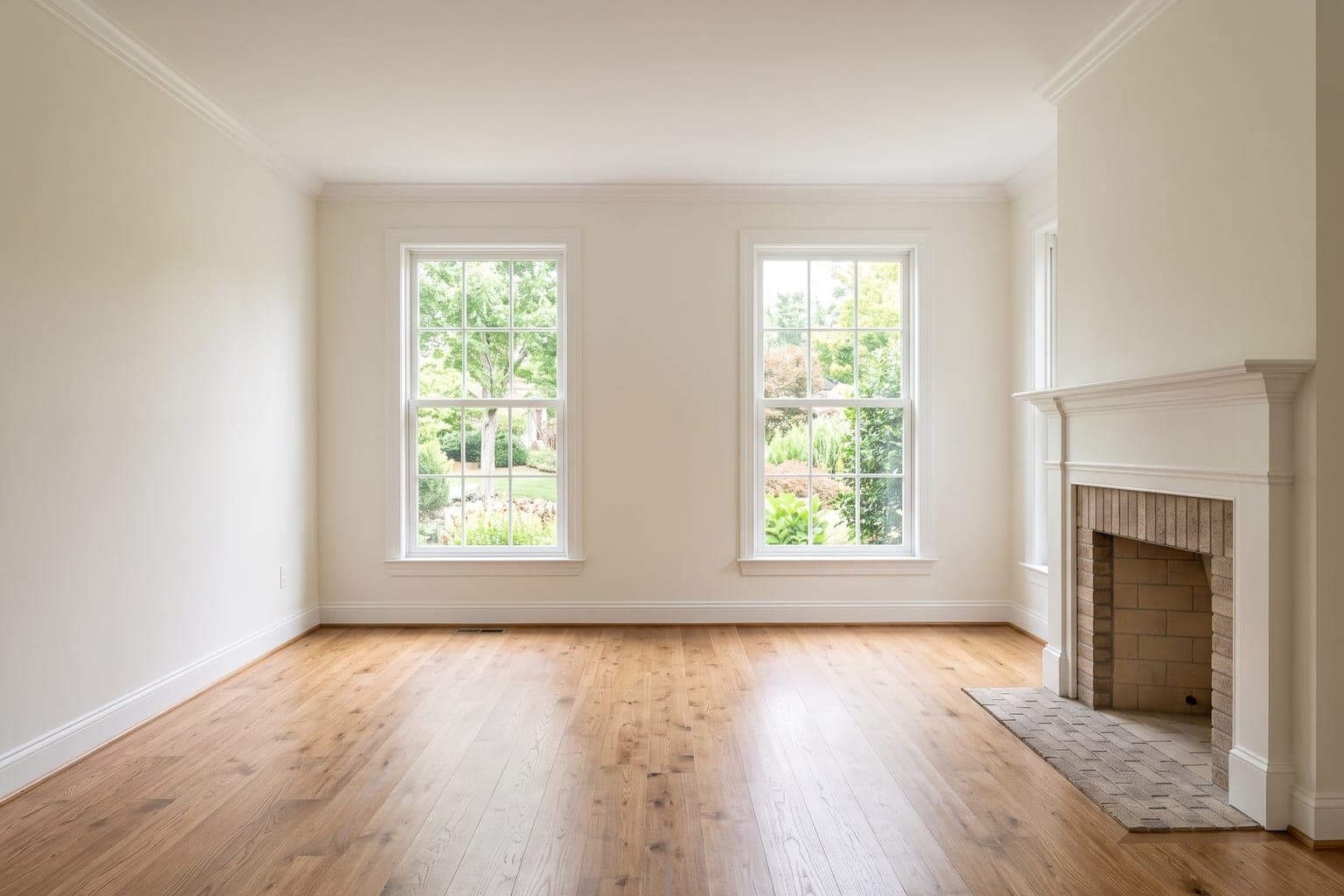 Before
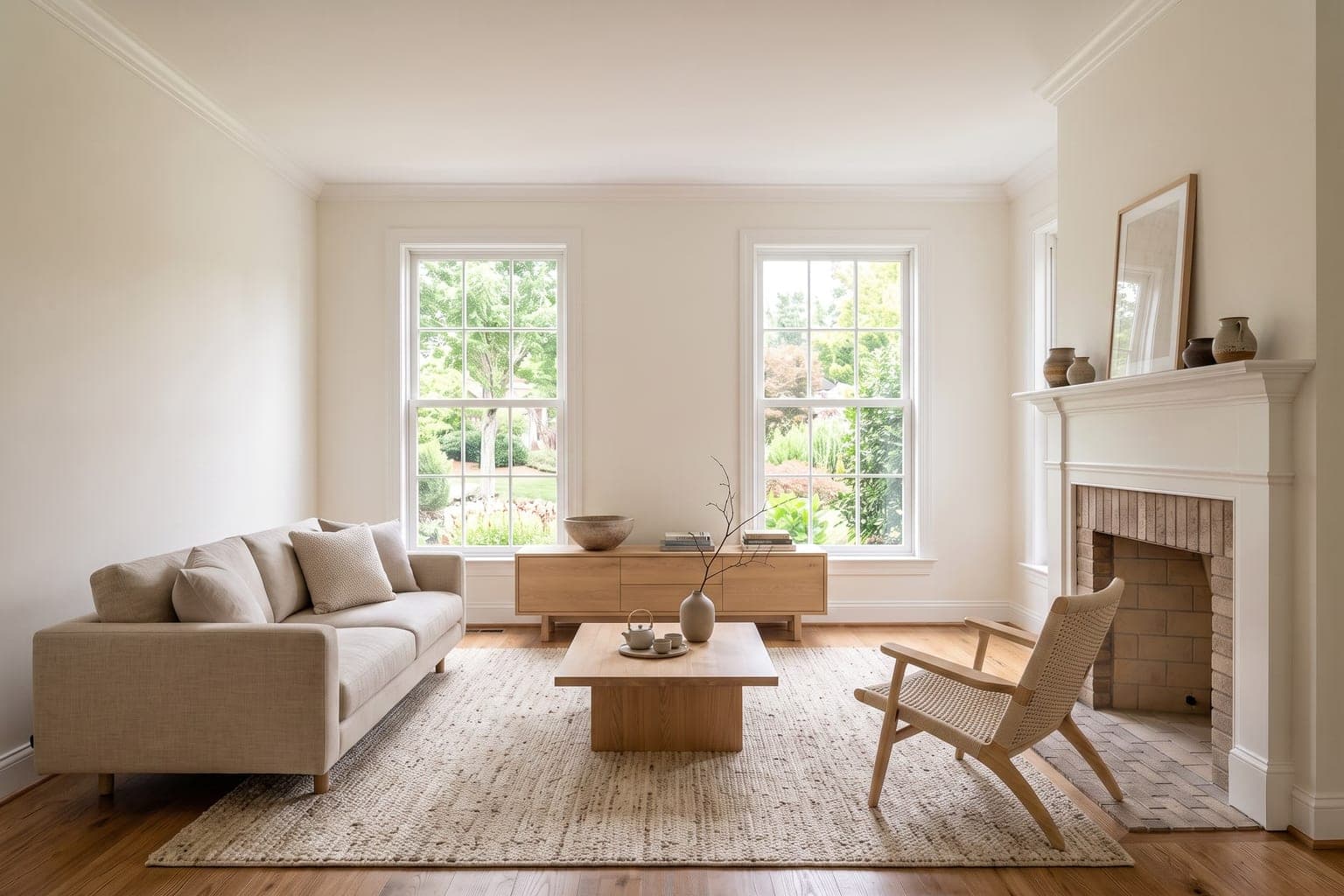 After
After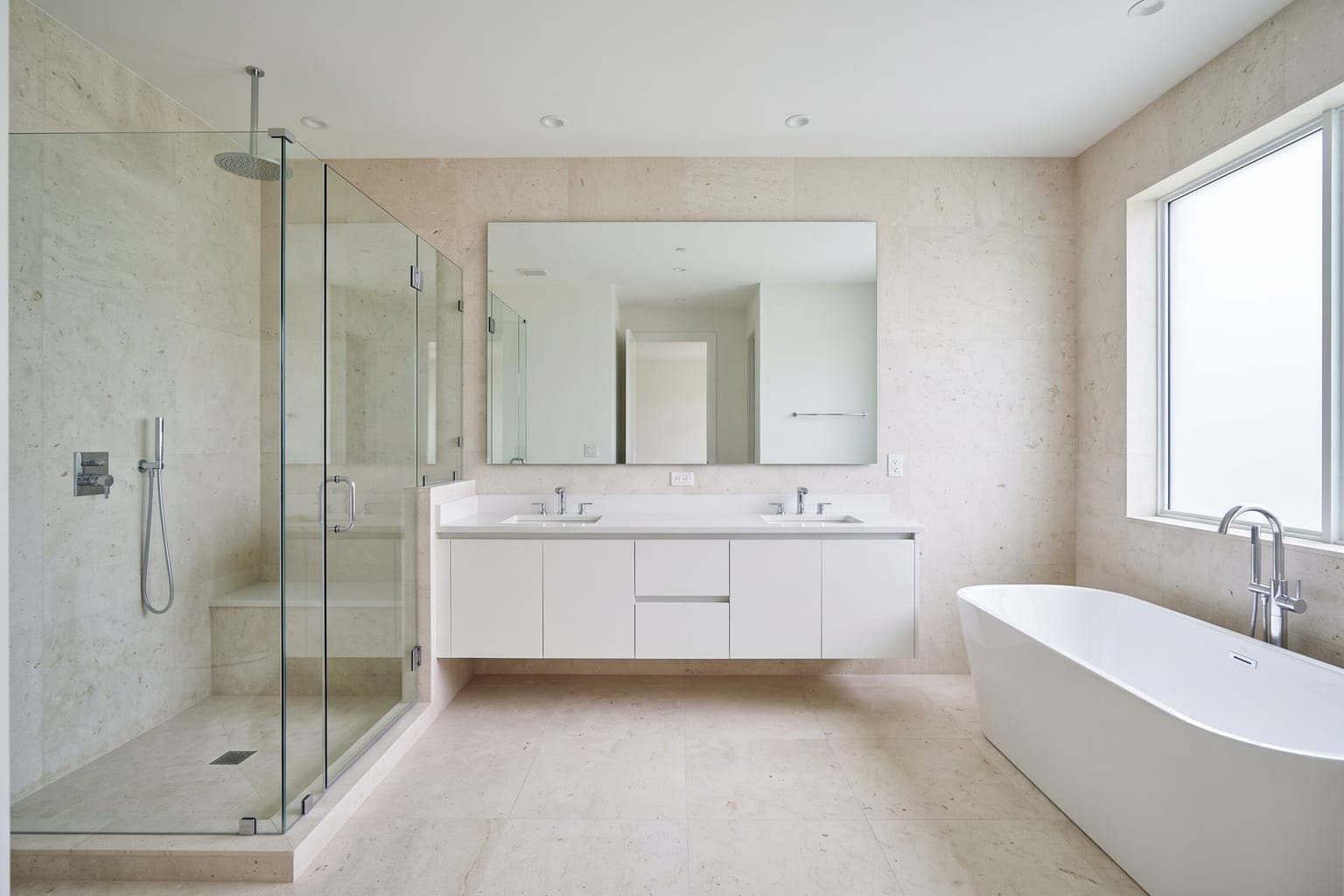 Before
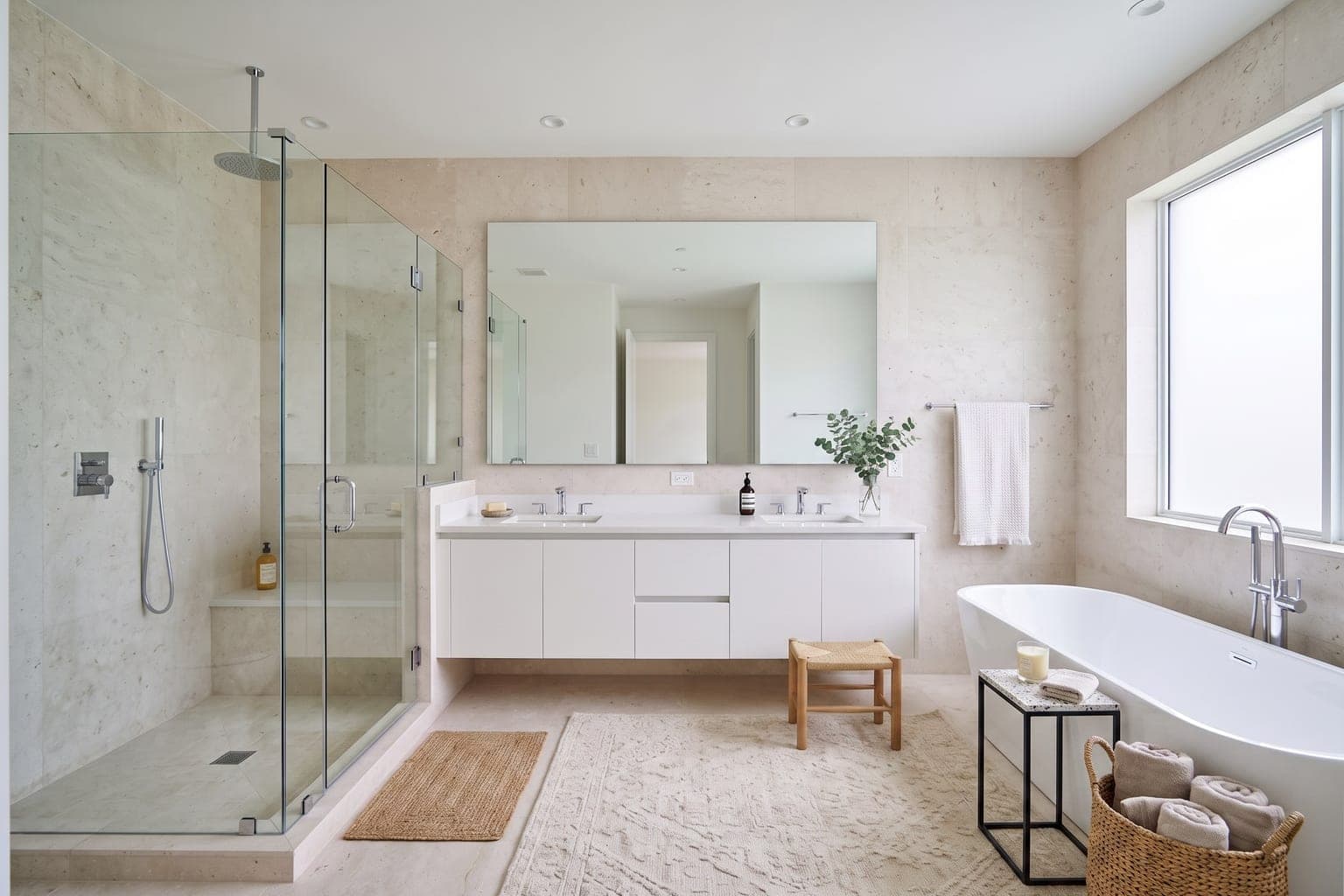 After
AfterFAQ
MLS-Compliant Virtual Staging: FAQ
What is MLS virtual staging?
MLS virtual staging is digitally furnishing a listing photo so it can be published on a Multiple Listing Service — which means the image has to satisfy the board's rules as well as look good. In practice that means adding only furniture and decor, leaving the property's permanent features exactly as photographed, disclosing the photo as virtually staged, and uploading it in the file format the MLS accepts.
Is virtual staging allowed on the MLS?
Yes — virtual staging is permitted on virtually every US MLS, provided the staged images are disclosed and the property itself isn't misrepresented. Rules are set board by board, so check your local MLS handbook for the exact disclosure wording and placement it requires.
What makes a staged listing photo compliant?
Three things: permanent features (walls, floors, fixtures, windows, views) are unaltered, defects aren't concealed, and the image is clearly labeled as virtually staged. StageHQ's Precise Staging mode covers the first two by only ever adding furniture and decor to the photo.
How should I disclose virtually staged photos?
Label each staged image — most commonly a "Virtually staged" caption on the photo itself — and mention virtual staging in the listing remarks. Many MLSs require the disclosure on every altered image rather than once in the description. Posting the original empty photo alongside the staged one is a widely recommended best practice.
What file size and format does the MLS need?
Most MLS systems require JPG and recommend roughly 1024×768 or larger, with around 1536×1024 commonly suggested. StageHQ's "Download for MLS" option exports a correctly named JPG sized to fit 1536×1024 in one click, which also resolves the most common upload failure — a PNG or oddly named file that never appears in the upload dialog.
Does StageHQ change walls, floors, or fixtures?
Not in Precise Staging mode — it adds furniture, rugs, lighting, and decor while preserving the room's architecture and finishes. AI Renovation is a separate mode that intentionally updates finishes; those images show potential and should be labeled as concept renderings rather than presented as current condition.
Can I put AI renovation images on the MLS?
Only with explicit labeling as a concept or proposed rendering, and never as a substitute for accurate photos of the current condition. Showing renovated finishes as if they already exist misrepresents the property. For your primary MLS photo set, use Precise Staging.
Do the staged images come with commercial rights?
Yes. Every purchased credit pack includes a commercial license covering MLS listings, portal syndication, print marketing, and social media. Free trial credits produce watermarked previews intended for evaluation rather than publication.
Can I stage a whole listing at once?
Yes. Batch upload queues an entire listing's photos in one go, each staged in about 30 seconds, so a full vacant property is ready to upload in a few minutes for a few dollars in credits.
Stage Listings You Can Upload With Confidence
Give every vacant listing photorealistic staging that respects the property — and the rules. Precise Staging plus one-click MLS exports, free to try.
No credit card required · 3 free images included
Explore More Virtual Staging
AI Staging Tools
Staging for Your Role
Virtual Staging by Room
Virtual Staging by Style
- Modern Virtual Staging
- Scandinavian Virtual Staging
- Farmhouse Virtual Staging
- Luxury Virtual Staging
- Minimalist Virtual Staging
- Mid-Century Modern Virtual Staging
- Coastal Virtual Staging
- Industrial Virtual Staging
- Boho Virtual Staging
- Japandi Virtual Staging
- Traditional Virtual Staging
- Contemporary Virtual Staging
Guides & Comparisons
- What Is Virtual Staging?
- Virtual Staging Cost Guide
- Virtual Staging Statistics
- MLS Rules & Disclosure
- Is Virtual Staging Worth It?
- Photo Guide for Virtual Staging
- Virtual Staging Pricing Compared
- Virtual Staging AI Alternative
- REimagineHome Alternative
- Collov AI Alternative
- BoxBrownie Alternative
- Apply Design Pricing
- AI vs Traditional Virtual Staging